A smart home theater can turn your living room into the ultimate entertainment hub. Whether you’re streaming movies, gaming, or enjoying music, the right setup combines immersive sound, stunning visuals, and smart connectivity. If you’re new to home theaters, this beginner’s guide will walk you through everything you need to know.
🎬 Step 1: Choose the Right Display
- Smart TV: Easy to set up with built-in apps like Netflix, Prime Video, and Disney+.
- Projector + Screen: Ideal for a cinema-like experience in larger rooms.
- Tip: Match screen size to your room—too big can feel overwhelming, too small can reduce immersion.
🔊 Step 2: Select Your Audio System
- Soundbar: Compact and beginner-friendly, perfect for small spaces.
- 2.1 System: Two speakers plus a subwoofer for balanced sound.
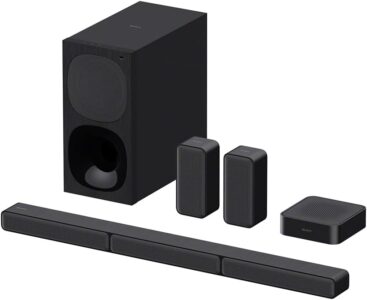
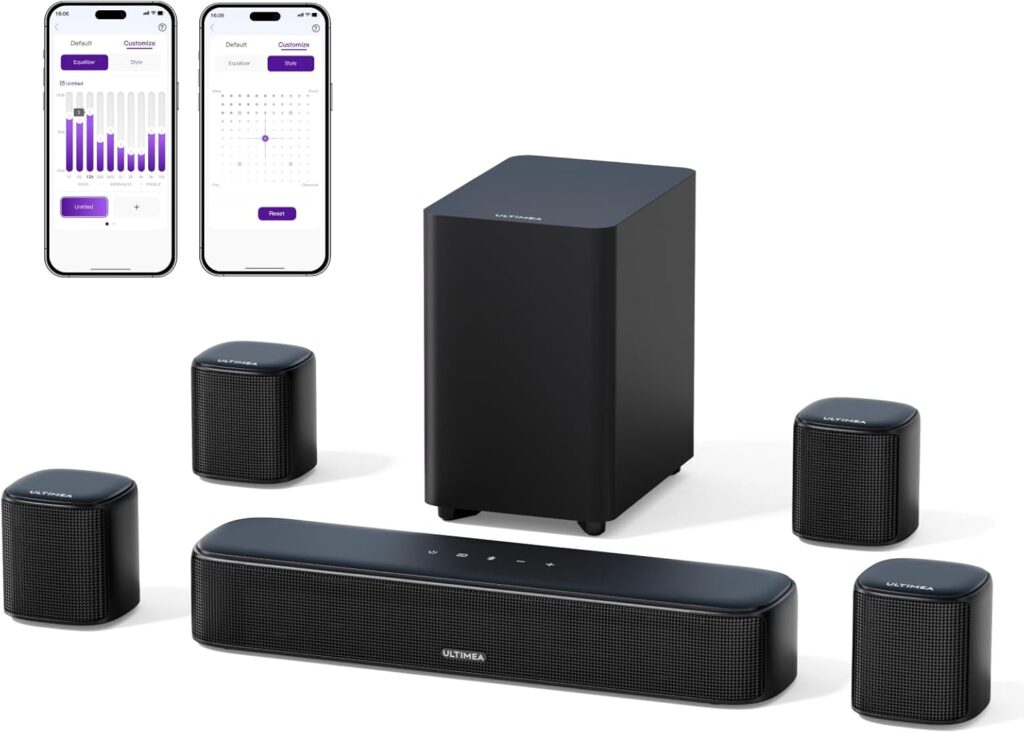
- 5.1 or 7.1 Surround Sound: Multiple speakers for immersive audio, great for movie nights.
- Tip: Place speakers strategically around the room for the best surround effect.
📡 Step 3: Ensure Smart Connectivity
- HDMI Ports: Needed for consoles, Blu-ray players, and streaming devices.
- Wi-Fi & Bluetooth: For wireless streaming and device pairing.
- Voice Control: Alexa, Google Assistant, or Siri integration for hands-free operation.
🛠️ Step 4: Plan the Setup
- Furniture Layout: Position seating for optimal viewing angles.
- Cable Management: Use clips or covers to keep wires neat.
- Lighting: Add dimmable lights or smart bulbs to create a theater-like atmosphere.
⚡ Step 5: Budget Wisely
- Entry-Level: Smart TV + soundbar for under $500.
- Mid-Range: 4K TV + 5.1 surround system for $1,000–$1,500.
- Premium: OLED TV or projector + Dolby Atmos speakers for $2,000+.
🎵 Step 6: Test and Customize
- Calibrate Audio: Adjust bass, treble, and surround levels.
- Picture Settings: Enable HDR or Dolby Vision for vibrant visuals.
- Smart Features: Set up streaming apps, voice commands, and automation.